Read docs like docs
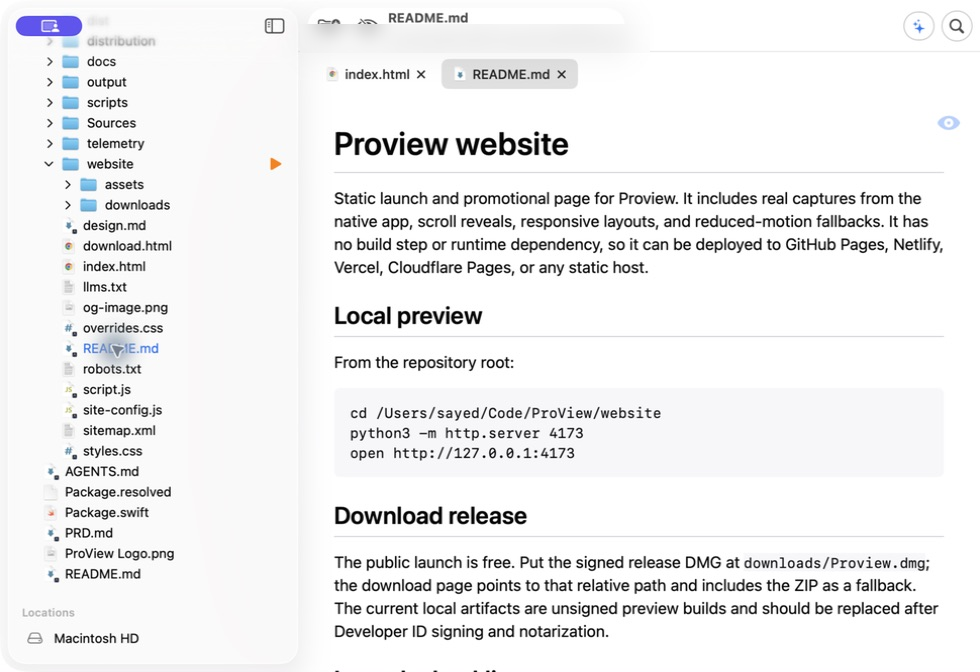
Markdown files open in the native workspace, with the project context still close at hand.
 Proview
Native macOS app for developers
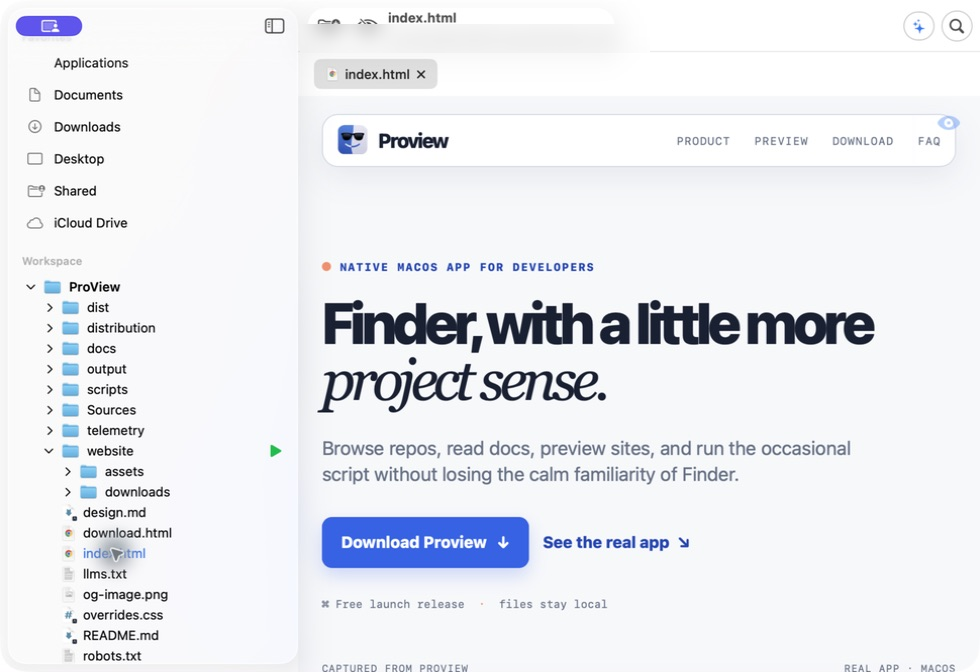
Browse repos, read docs, preview sites, and run the occasional script without losing the calm familiarity of Finder.
Free launch release · files stay local
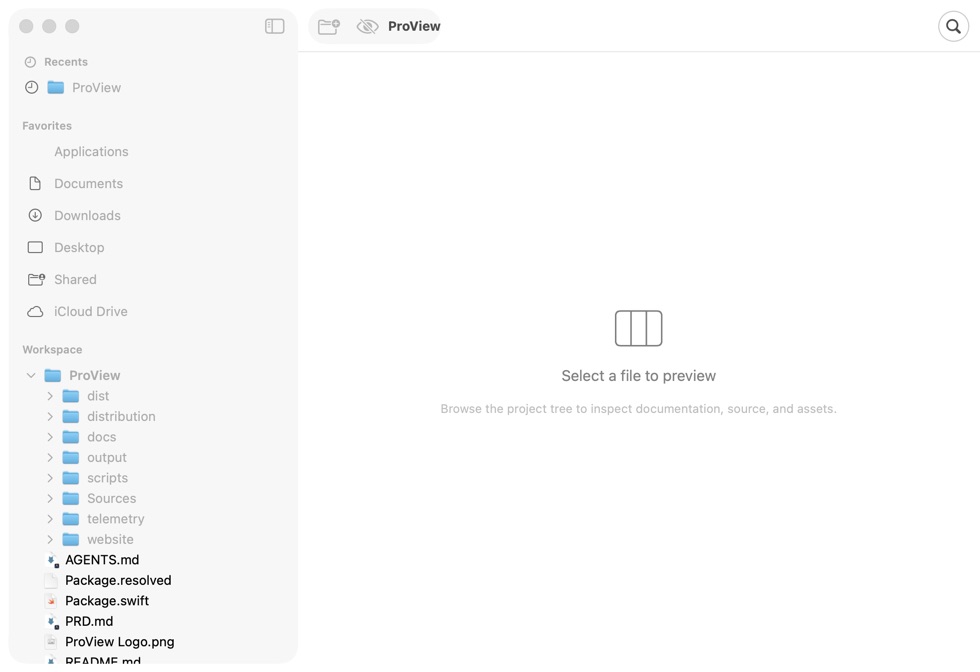
The actual workspace
These captures come from the current macOS build, so the product preview reflects what people will actually download.
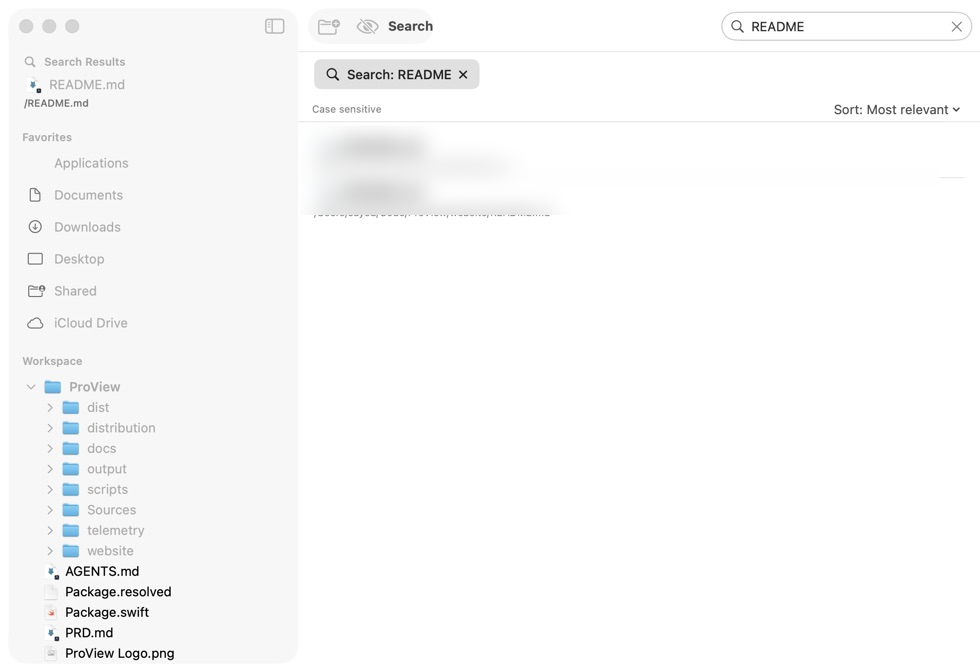
Markdown files open in the native workspace, with the project context still close at hand.
Proview works with the files already on your Mac. No account is needed to browse a project.
Project comprehension
Good project docs are not decoration. They tell you what is safe to change, where the app starts, and what the next handoff needs.
New in 0.1.8
The new notch teleprompter keeps Markdown and text just below the camera, with smooth visual-line scrolling, word-level highlighting, a remaining-time timer, and compact size presets.
See the teleprompter feature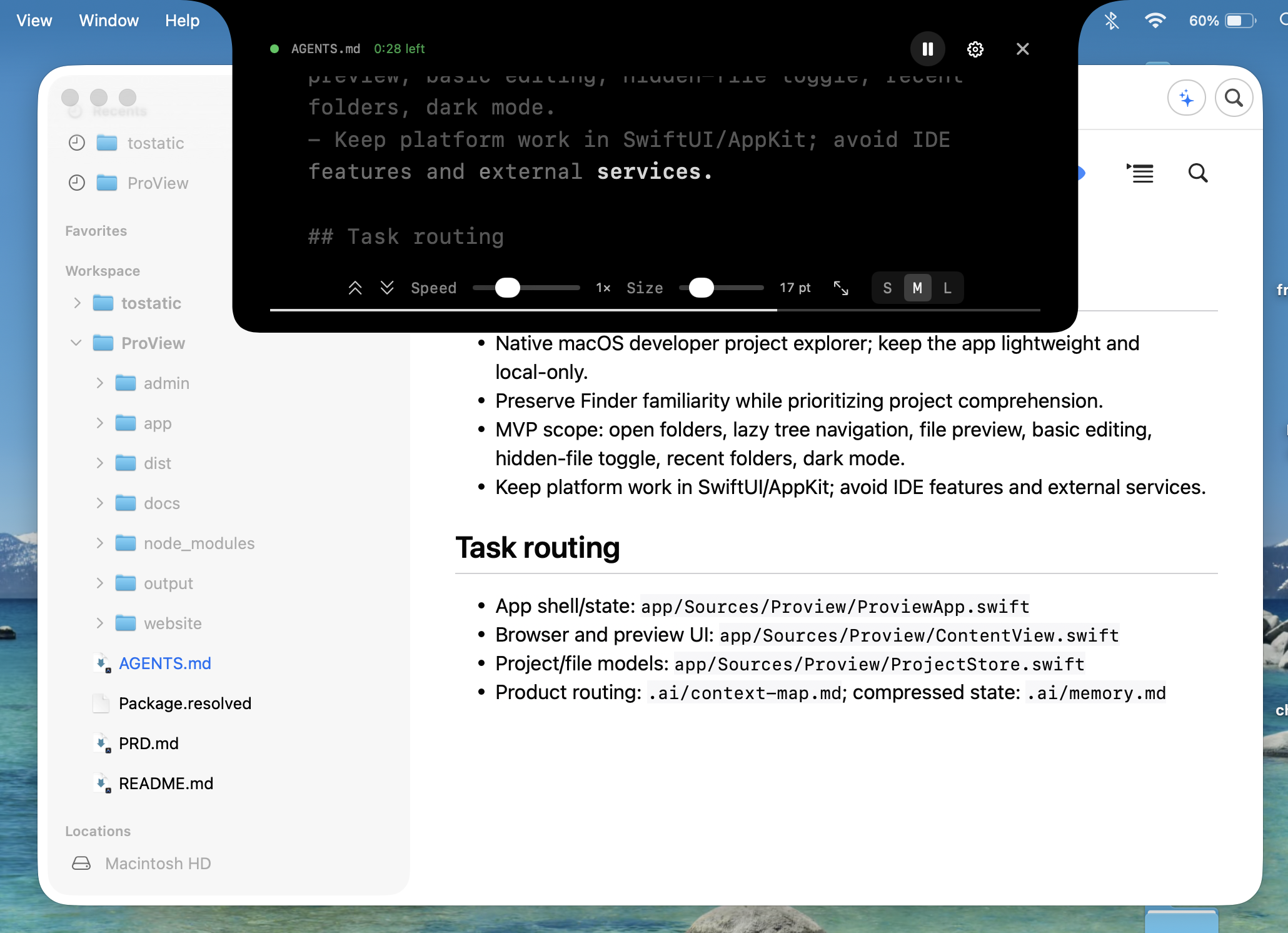
Local actions, made explicit
HTML folders expose a play control at the edge of the project tree. Start a temporary local server, inspect the rendered page, then stop it from the same control.
Questions worth answering
No. It is a native workspace for browsing projects, understanding context, and taking small local actions. Keep using the editor you like.
Proview is local-first. The app reads files from your Mac and does not require an account to browse a project.
This release is available free while we continue building the product. Trial and licensing features may arrive in a later update.